Conducting Kiosque interviews
To set your survey in Kiosque Mode you only need to expand the survey view and click Kiosque:

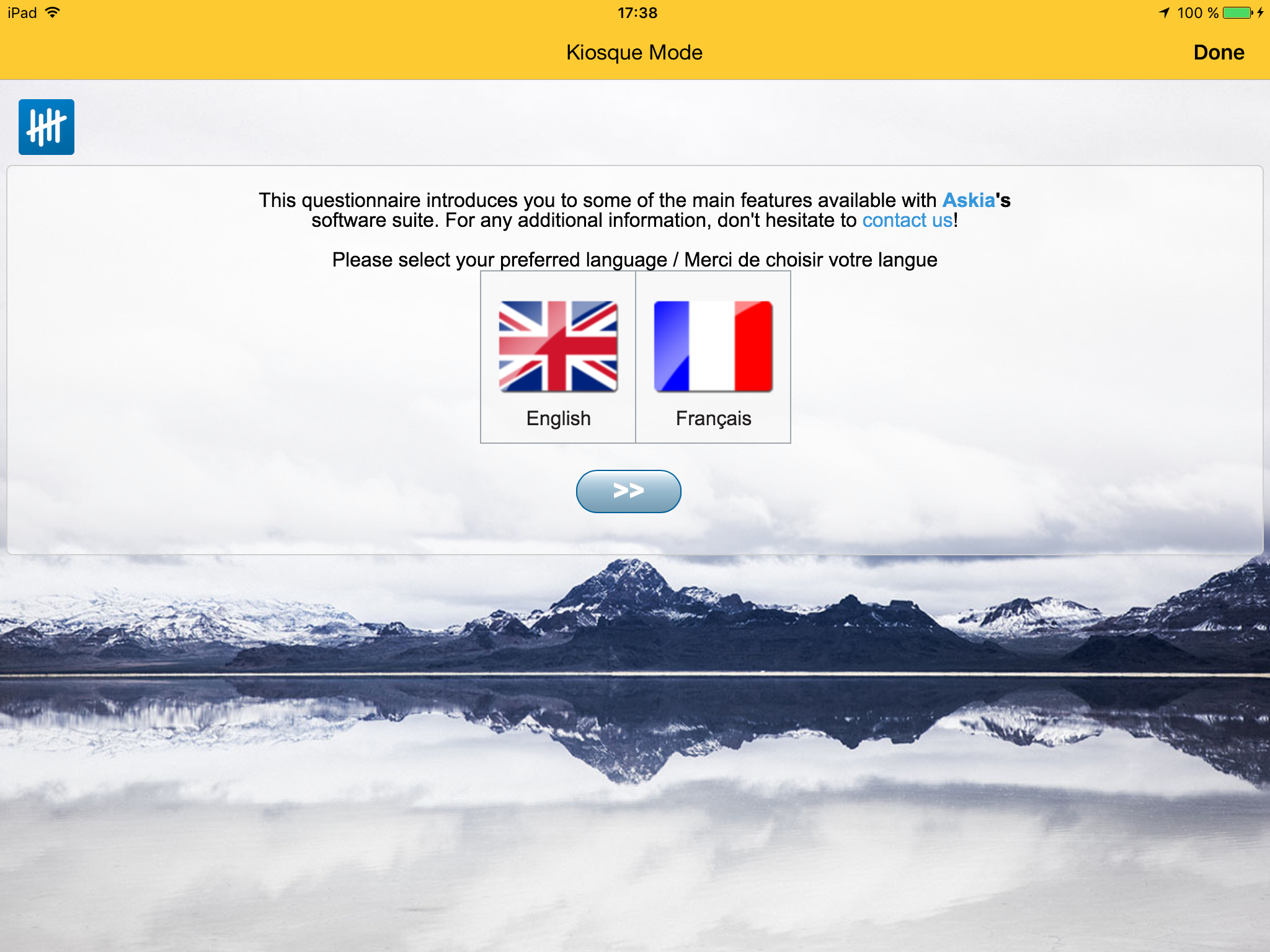
The survey opens full-screen (with no tool-bar on the left-hand side), and with the text Kiosque Mode in the upper ribbon:
Ending the interview
At the end of each interview, a new interview will automatically be generated.
If an in-progress interview is abandoned, the current interview will be deleted and a new one will be generated after the inactivity timeout set in the connection settings (see above). If your survey is using multimedia files (video or audio), please note that you will need to set the timeout to be longer than the duration of your longest multimedia file. For instance, if your video lasts for three minutes, then set the timeout to four minutes.
Exiting Kiosque Mode
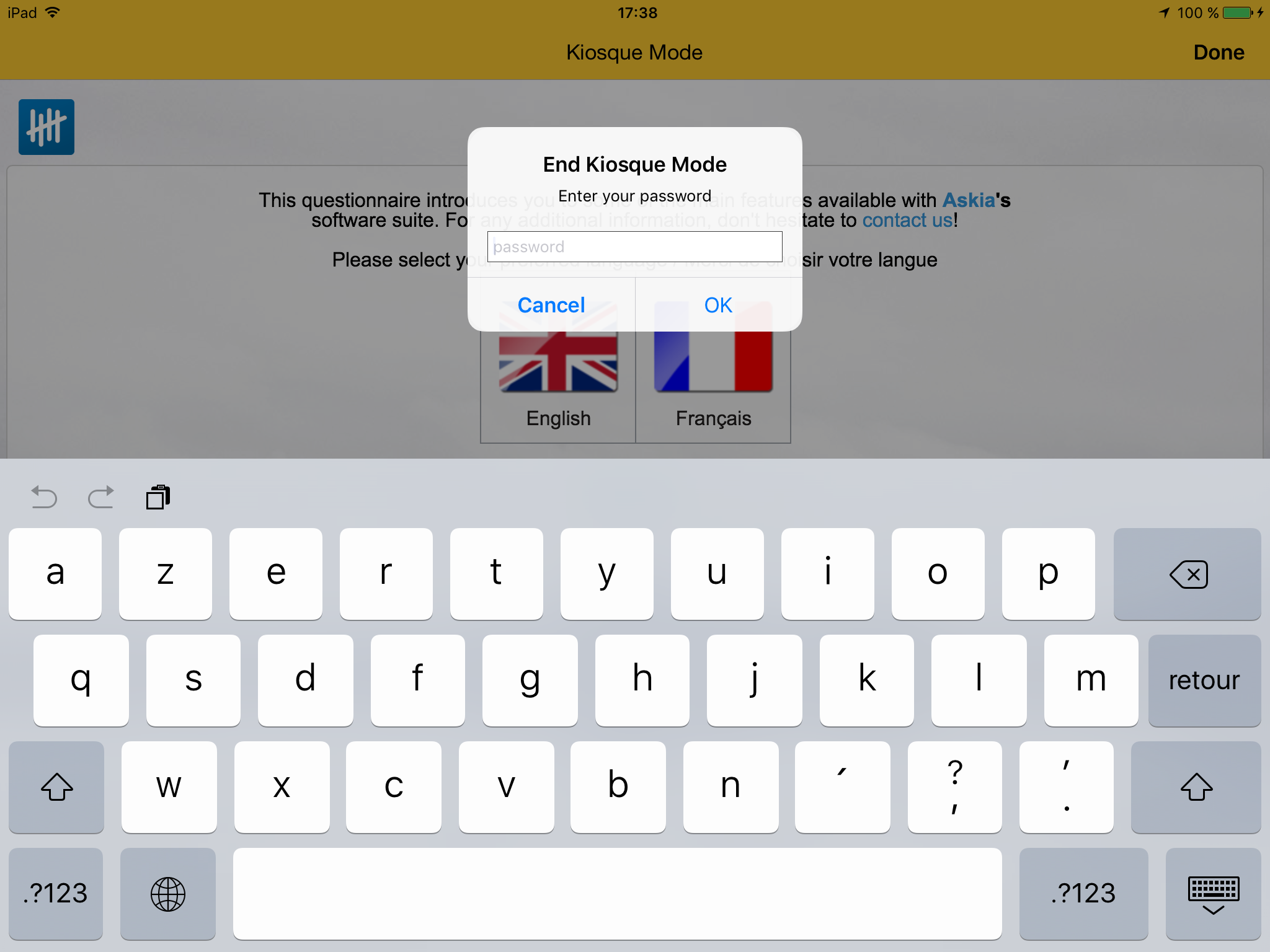
To exit Kiosque Mode:
- on iOS, tap
Donein the ribbon at the top of the screen; - on Android, tap the "bin" icon in the ribbon at the top of the screen.
Finally, enter the password you previously set in the connection settings: